Cold email deliverability advice is often written for small campaigns.
Set up SPF, DKIM, and DMARC. Warm up the domain. Avoid spam words. Keep bounce rates low. Do not send too fast. Personalize the message.
That advice is not wrong.
It is just incomplete once outbound becomes an enterprise system.
At scale, deliverability is not a checklist. It is an operating discipline across infrastructure, sender pools, domains, IPs, lists, placement tests, pacing, bounces, replies, provider behavior, and campaign strategy.
The team is no longer asking "how do we avoid spam?"
The team is asking:
How do we keep a large cold outbound program observable enough to make good decisions before pipeline is damaged?
That is the difference.
The Short Version
Cold email deliverability at scale breaks when the team keeps managing a high-volume system like a small campaign.
At low volume, weak signals can hide. At high volume, every weakness repeats enough times to become visible.
| Small-campaign deliverability | Deliverability at scale |
|---|---|
| Check DNS once | Continuously monitor domain and sender health |
| Warm up a few inboxes | Ramp sender pools and infrastructure deliberately |
| Watch one blended bounce rate | Segment by sender, domain, provider, list, and campaign |
| Diagnose after replies drop | Use placement and health signals before revenue impact |
| Add more inboxes when volume rises | Scope capacity around infrastructure, pacing, and risk |
Scale does not only increase volume. It increases evidence.
If the system is sloppy, scale proves it.
Why Scale Changes Deliverability
Receiving providers evaluate patterns.
Those patterns include authentication, sending volume, IP behavior, domain history, recipient engagement, bounces, complaints, message similarity, list quality, and provider-specific interactions.
At small volume, a team might avoid obvious problems because the pattern is small. At larger volume, the same weaknesses repeat across enough recipients and providers that they become harder to ignore.
This is why teams often misdiagnose scale problems.
They blame a subject line, a template, or one campaign. Sometimes that is part of the issue. But when deliverability changes across many campaigns, the cause is often in the operating layer:
- Volume ramped faster than the infrastructure could support.
- New sender identities were added without enough monitoring.
- Domains were treated as disposable instead of managed assets.
- One provider started filtering differently than another.
- List quality dropped as the team expanded TAM.
- Bounces and deferrals were not categorized early enough.
- Replies were scattered, making true campaign health harder to read.
The larger the outbound system gets, the more deliverability becomes an infrastructure and operations problem.
Signal 1: Sender Capacity
Sender capacity is not the number of inboxes in the account.
Capacity is what the sending system can responsibly carry based on infrastructure health, sender history, domain condition, recipient mix, and ramp stage.
At scale, the team needs to know:
- Which senders are active
- Which senders are warming
- Which senders are degrading
- Which domains are healthy
- Which campaigns are consuming capacity
- Which recipient providers are accepting or filtering
Without that view, the team ends up using volume as a blunt instrument.
If replies are down, add more senders.
If bounces rise, buy more domains.
If placement drops, change copy.
Those reactions can make sense in isolated cases. But without sender capacity visibility, they are guesses.
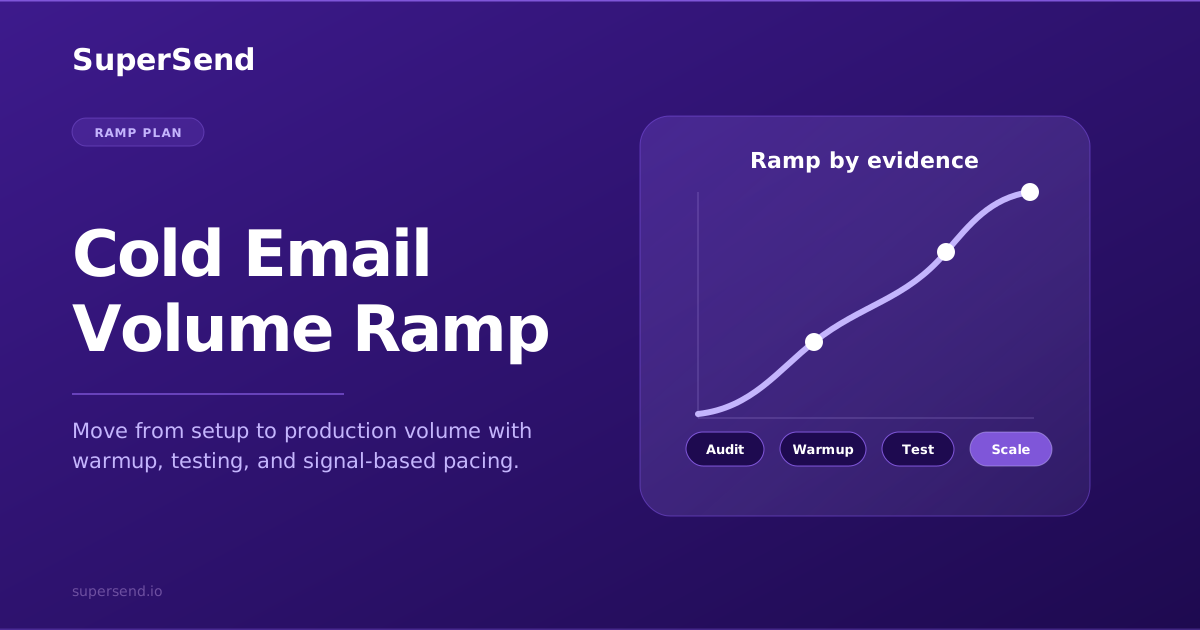
Signal 2: Pacing
Pacing is not just a scheduler setting.
It is how the outbound program introduces volume to receiving providers over time.
A healthy ramp considers:
- Sender age
- Domain age
- IP history
- List quality
- Daily and weekly volume growth
- Provider mix
- Recent bounce and placement trends
- Campaign criticality
The wrong pacing pattern can make technically correct infrastructure look risky.
Sudden jumps, uneven bursts, and aggressive expansion across new senders create patterns receiving systems can treat cautiously. At scale, pacing should respond to signals. If placement weakens, bounces rise, or one provider starts deferring, the platform should support slowing, isolating, or pausing before the entire program is affected.
Signal 3: Inbox Placement
Bounce rates tell you what happened after a message was rejected or failed.
Inbox placement helps explain whether accepted mail is reaching the inbox, spam, promotions, or another folder.
Placement tests are not perfect predictors of every real recipient inbox. They are diagnostic instruments. Their value comes from trend and comparison:
- Gmail vs Outlook behavior
- Sender pool differences
- Domain changes
- Infrastructure changes
- Campaign timing
- Impact before and after a ramp
At scale, placement testing is useful because it helps the team act earlier.
If a sender pool begins landing in spam for a major provider, the team can slow or isolate that pool before sales only sees "responses are down."
Signal 4: Bounce Categories
A blended bounce rate is too blunt for enterprise outbound.
Different bounce patterns imply different actions:
- Invalid recipient addresses point toward list quality and validation.
- Domain-not-found errors point toward data or enrichment problems.
- Policy blocks point toward content, reputation, or infrastructure.
- Rate limits and deferrals point toward pacing or provider-specific pressure.
- Authentication failures point toward DNS or signing configuration.
If the system only reports "bounces went up," the operator still has to guess.
At scale, bounce intelligence should connect failure mode to sender, domain, campaign, provider, and list source wherever possible.
Signal 5: Domain Health
Domains are not disposable wrappers around a campaign.
They are part of the sending identity.
Domain health includes:
- Authentication status
- DNS consistency
- Domain age and history
- Tracking and redirect domain behavior
- Bounce and complaint patterns
- Provider-specific reputation signals
- Whether the domain is carrying the right traffic type
When teams scale by adding domains quickly, domain health can become the hidden bottleneck. A few weak domains can distort blended performance, especially if they are carrying important campaigns.
That is why domain inventory and domain health monitoring belong inside the operating model, not in a spreadsheet somebody updates when something breaks.
Signal 6: Reply Quality
Deliverability is not only about inbox placement.
Cold outbound exists to create conversations.
At scale, reply quality is a deliverability signal and a revenue signal:
- Are interested replies still arriving?
- Are referrals and "not now" responses being captured?
- Are negative replies rising?
- Are auto-replies distorting response rates?
- Are replies concentrated in one provider or sender group?
- Are good replies getting lost across many inboxes?
If replies are fragmented, the team loses the best feedback loop it has.
This is why SuperSend treats reply operations as part of the infrastructure story. Super Inbox is not just convenience; it keeps response signals connected to the sending system.
What To Do When Deliverability Weakens
Do not panic-change everything at once.
Run a structured diagnosis:
- Segment the problem. Is it one campaign, one sender pool, one domain set, one recipient provider, or everything?
- Check infrastructure. DNS, authentication, dedicated IP behavior, tracking domains, and sender identity alignment.
- Check list quality. Recent data sources, validation rates, bounce categories, and ICP fit.
- Check pacing. New senders, recent volume jumps, bursts, and provider-specific deferrals.
- Check placement. Look for provider-level changes before relying on blended metrics.
- Check replies. Compare interested replies, negative replies, auto-replies, and unsubscribes.
- Act narrowly. Slow, isolate, fix, validate, or pause the affected slice instead of rewriting the entire outbound motion.
The best deliverability teams do not guess faster. They narrow the problem.
Where SuperSend Fits
SuperSend is built for teams that need cold email deliverability to be part of the operating layer.
Dedicated infrastructure gives the team a clearer sending foundation. Sequencing runs on top of that foundation. Deliverability monitoring provides placement, bounce, sender, domain, and validation signals. Super Inbox keeps replies and feedback visible. API and webhooks let the outbound system connect to the revenue stack around it.
That combination matters because deliverability at scale is not solved by one warmup tool or one checklist.
It is solved by having a system that can answer:
- What changed?
- Where did it change?
- Which sender, domain, provider, or campaign is affected?
- What action should we take next?
If your team is trying to scale cold outbound and the sending layer feels increasingly hard to diagnose, read Enterprise Cold Email Infrastructure, then review How To Diagnose Cold Email Deliverability Problems and When Should You Pause a Cold Email Campaign for Deliverability?.
To see how SuperSend approaches the operating layer, visit the deliverability page or book a demo.
Free playbook · 11 pages
Want the full cold email infrastructure playbook?
Get the founder breakdown on why rented mailbox stacks are breaking and what dedicated cold email infrastructure looks like now.